
Authenticated identity
Supported workspace routes require an authenticated user before protected project records are available.
This page describes controls evidenced in the NIYAM product and repository. It does not claim an external certification or guarantee that removes your team’s responsibility for access and sharing decisions.

These statements describe implemented product patterns. Exact access still depends on correct configuration and authorised use.
Supported workspace routes require an authenticated user before protected project records are available.
Access is scoped through workspace membership and the project context available to that user.
Supported actions check role or permission requirements instead of relying on a hidden button alone.
Supported operational mutations, approvals and administrative actions create traceable events.
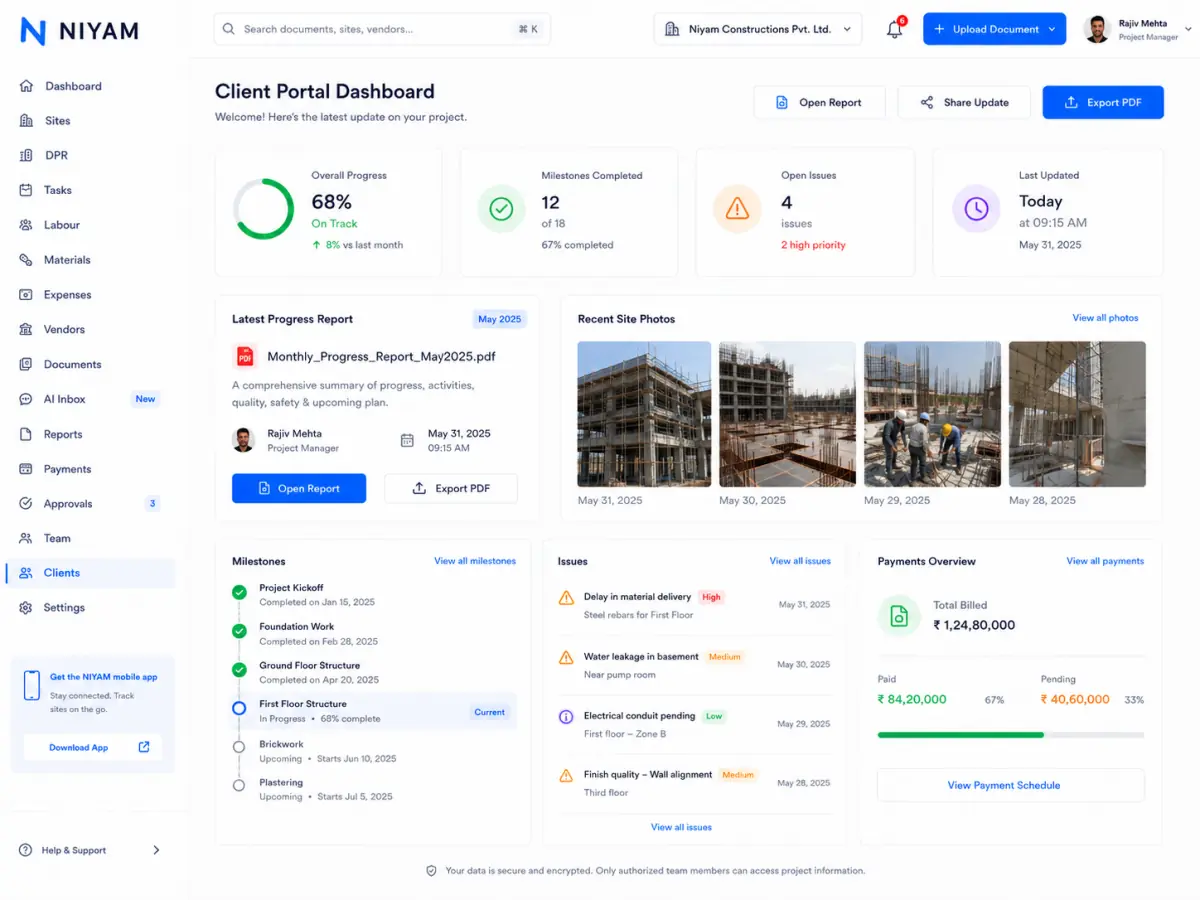
Client invitations, portal views and shared reports expose selected workflows rather than the internal workspace.
Production startup validates required authentication, storage, AI and other security-sensitive configuration.
Supported AI workflows can extract fields, organise inputs or raise signals such as a possible duplicate. A responsible person must compare the source, correct errors and decide whether the result is ready for operational use.
Client invitations, portal views and supported report links are designed around selected project information. Workspace users remain responsible for recipients, access scope and the records they choose to share.
Workspace owners and authorised users must manage membership, protect credentials and review sharing choices.
Describe what you observed and the account or workspace context needed for support. Avoid unnecessary personal or confidential data.
support@niyam.appLegal notices remain the source for published policy terms.
No. This page deliberately limits itself to repository-evidenced product and production controls.
Supported membership, role and permission workflows allow authorised administrators to manage access within the product’s implemented boundaries.
No. AI output is prepared information or a review signal. Authorised people remain responsible for approval and reliance.
Use the Privacy Policy, AI Data Use Notice and Data Sharing and Subprocessors page in the legal centre.