
Canonical system roles
Use the current Owner, internal, Viewer, Client and Field Worker role catalogue.
Use NIYAM’s canonical workspace roles, site assignments and client boundaries so internal teams and external stakeholders do not receive the same navigation or server access.

Owners, supervisors, accountants, field workers and clients have different responsibilities. A hidden menu alone is not enough when the server record also needs protection.
Each step keeps the record, its context and the next responsibility visible.
Use the canonical invitation and membership workflow.
Select the supported role that best matches the person’s responsibility.
Add the existing site assignment or client scope where required.
Keep navigation, protected routes and server actions inside the canonical permission contract.
Focused capabilities for the complete workflow, described within their supported operating boundaries.
Use the current Owner, internal, Viewer, Client and Field Worker role catalogue.
Show supported work surfaces according to the current role experience.
Retain authenticated API permission checks beyond visible navigation.
Keep field work assignment-scoped and client views explicitly shared.
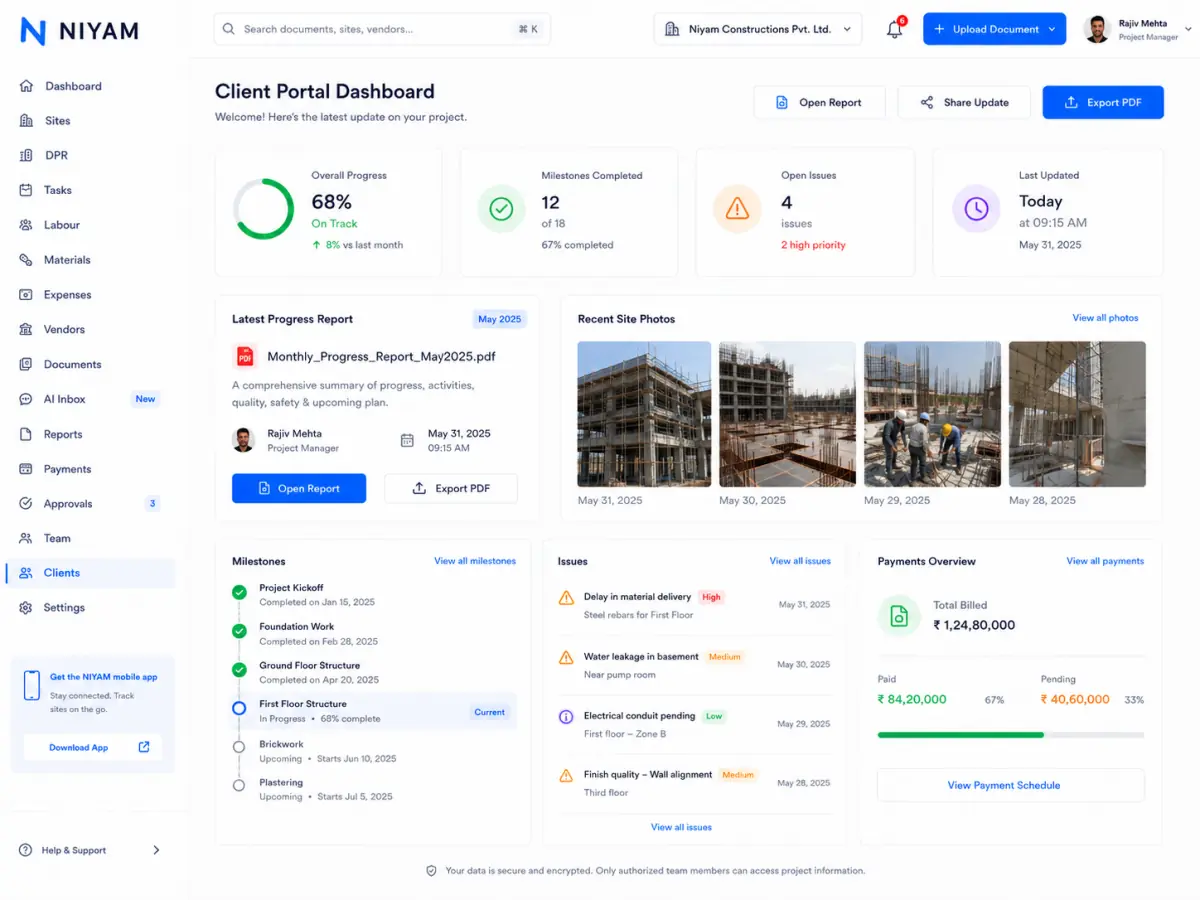
Approved evidence shows read-only system roles and the client-safe Project, Reports and Messages view. Product truth also records route and API enforcement for supported workflows.
The feature supports the handoff without blurring who records, reviews or receives the information.
Invite people, choose supported roles and keep access understandable.
See the operational work allowed by role and site context.
Review intended information without internal mutation or administration controls.
NIYAM’s current RBAC, tenant and assignment controls govern supported product workflows. The page does not claim custom-role building, regulatory certification or enterprise readiness from RBAC alone.
Straight answers about scope, review and responsibility.
The current public proof covers NIYAM’s canonical read-only system role catalogue. Custom-role creation is not claimed on this page.
No. NIYAM’s supported access contract also includes authenticated route and server permission enforcement.
Assigned clients receive the smaller Project, Reports and Messages experience and only explicitly shared information.