
Persisted site plan
Keep supported planning information on the canonical site.
Maintain supported site dates, plan context and milestones, then review their status from the same Site Home used for daily operations.

Small teams often maintain a simple plan in one file and discuss actual work elsewhere. The plan becomes stale because the operating context is difficult to see beside it.
Each step keeps the record, its context and the next responsibility visible.
Use the existing site record rather than creating a separate planning workspace.
Record the supported milestone title, dates and status context.
Keep the compact milestone summary beside current site attention.
Authorised people confirm the supported plan or status change.
Focused capabilities for the complete workflow, described within their supported operating boundaries.
Keep supported planning information on the canonical site.
Record supported milestone timing and status without a second scheduler.
Review the plan beside current Site Home and daily operations context.
Retain the existing site and role controls for planning changes.
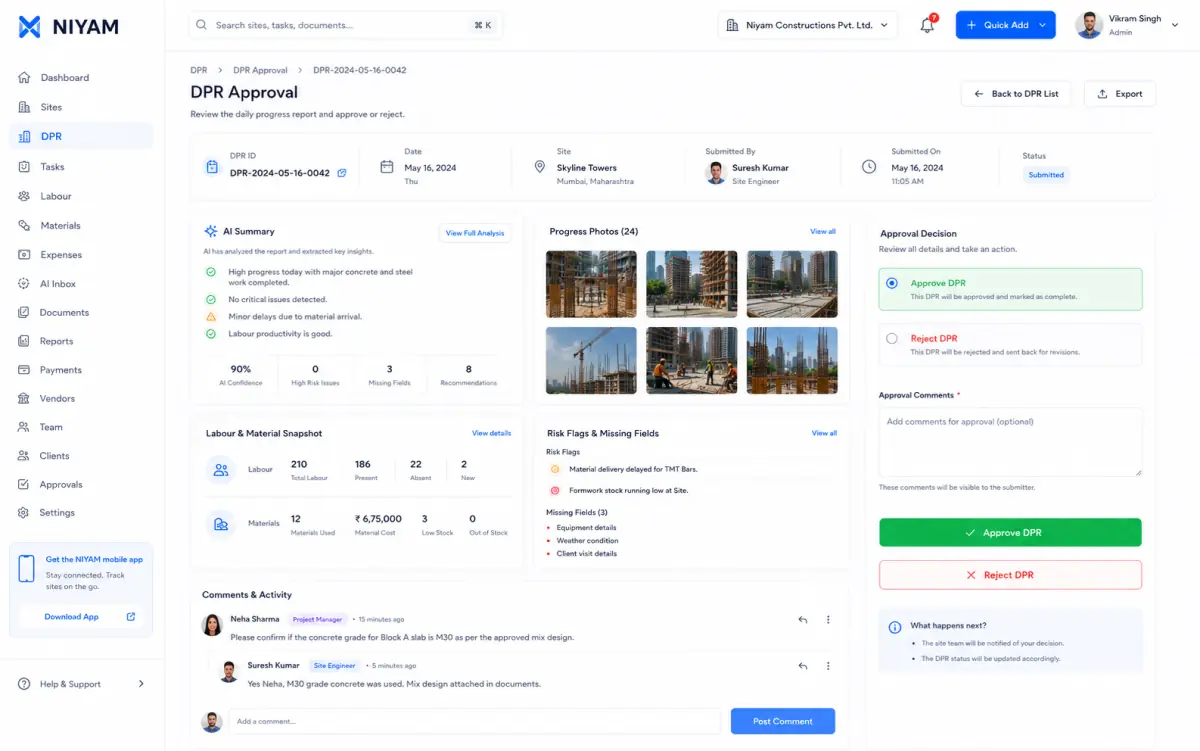
The approved Site Home evidence includes the compact milestone summary alongside status, attention and people.
The feature supports the handoff without blurring who records, reviews or receives the information.
Understand the simple plan and current site state together.
Maintain supported milestones and review their status in context.
See the relevant site direction without opening a complex scheduler.
NIYAM records supported planning context. Baselines, sequencing, dependencies and contractual schedule decisions remain outside this Starter promise unless separately supported.
Straight answers about scope, review and responsibility.
Yes. Teams can maintain supported milestone information and use it in the existing Site Home.
No automatic project decision is promised. Authorised people remain responsible for supported plan and status updates.
No. This is simple persisted site-plan and milestone context for the Starter operating workflow.