
The ceiling supervisor
Records grid, panel and snag work by area with the supporting site evidence.
Explore this roleKeep framing, panels, service openings, stock and client decisions connected to the work area where they matter.
Kochi · Commercial ceiling fitout
Demonstration project · Work in progress
Prompt ideas require a connected assistant and permitted access. Review proposed changes before saving.
Screens captured from NIYAM on 9 September 2026. Names, amounts and projects are fictional. Site photos inside the demo are AI illustrations.
For PVC, false-ceiling and specialist interior contractors coordinating installers, work areas and material records.
Records grid, panel and snag work by area with the supporting site evidence.
Explore this roleReviews material movements, installer bills, changes and areas waiting for a decision.
Explore this roleReceives selected area progress and approves the decisions assigned to them.
Explore this roleSelected progress and reports keep your client informed. Supplier bills and internal expenses stay with your team.
How sharing works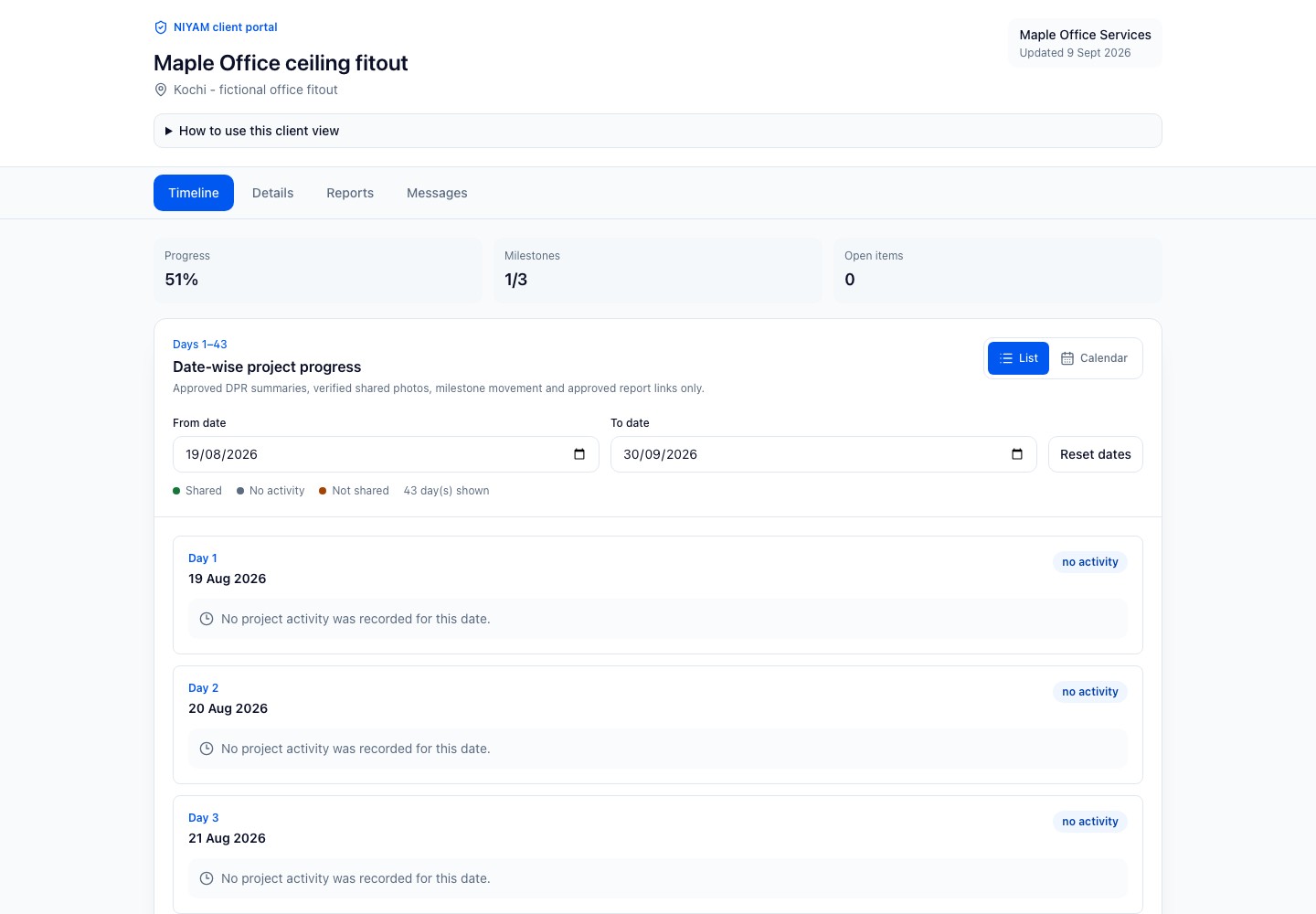
Connect assistance to your site context. Check the records, review the proposal and confirm the work you want saved.
Explore connecting ChatGPT to permitted NIYAM workflows through MCP.
ChatGPT connection guideConnect supported NIYAM tools for scoped work. Check the source, review the action and verify its result.
Codex connection guideConfigured bill extraction and report drafts support review. General internal-agent actions are not yet qualified.
See bill reviewCore site work has a complete manual path. New integrations are agreed by scope.
How MCP connects the toolsNIYAM organises execution records. It does not calculate quantity takeoffs, produce ceiling designs, verify service coordination automatically, certify fire or structural performance, or replace specialist estimating and approvals.
Review access and controlsYes. Use milestones and tasks for floors, rooms or areas, then attach evidence and next actions to the same site record. Maple separates the open office, meeting rooms and reception work.
Yes. Record confirmed material receipts and supported usage movements. Maple shows 160 sheets received and 112 used, leaving 48 recorded on site for the team to verify physically.
No. Continue using your measurement and estimating method. NIYAM records the agreed plan, material movements, bills, changes, evidence and review decisions.
Record the affected area, responsible person, observation and client or consultant decision. Keep the task open until the authorised reviewer checks the response.
No, unless your team deliberately includes information in a shared record. The client view is built from selected reviewed progress; internal bills and reimbursements remain private.
A connected assistant can draft from permitted source records where supported. The responsible person checks omissions, quantities and wording before the update is saved or shared.
Add the current plan, bring in your team and record the next day’s work. For an existing project, agree opening stock and balances before you carry them forward.
Plan your first site